


Go back to Blog


Jennifer Edidiong
Marketing
7 min read
Share to
How to Automate TIN verification for Nigerian businesses

At low volumes, manual TIN verification is a process problem you can manage. At high volumes, it becomes a growth problem you can’t ignore. Every inconclusive check that lands in a queue, every mismatch that needs a human to resolve, every user left waiting in a pending state, these compound quietly until your onboarding flow is the bottleneck holding back activation.
TIN verification is a standard step in onboarding and compliance workflows for fintechs and digital platforms in Nigeria. The question most teams face isn’t whether to verify, it’s whether their current method can keep up with where they’re headed.
This article covers how automated TIN verification works, what it actually returns, and how to know when it’s time to make the switch.
Manual vs automated TIN verification
Both approaches are used in practice, but they operate very differently as verification volume scales.
Manual verification is a human-driven process where your team checks TINs through government portals or internal workflows, entering data, cross-checking results, and confirming matches before a user can proceed. It works, until it doesn’t. The ceiling is your team’s capacity, and every hire you add to manage the queue is a cost you don’t need.
Automated verification uses APIs to validate TINs in real time, directly within your onboarding flow, typically using verification providers like Dojah. No queue. No manual cross-check. The system handles it, and your user never notices it happened.
| Factor | Manual verification | Automated verification |
| Speed | Minutes to days per check | Under a second |
| Process | Human-driven, repetitive | System-driven, consistent |
| Accuracy | Prone to input and matching errors | Structured validation, high precision |
| Audit trail | None / inconsistent | Structured logs per verification |
| Scalability | Limited by team capacity | Handles large volumes easily |
| Integration | Separate from the onboarding flow | Embedded directly into onboarding |
Manual verification can still work when volume is low, or your onboarding isn’t fully digital. But the crossover point comes earlier than most teams expect, usually somewhere around 200–300 verifications a month, when the queue starts requiring dedicated ops time.
How automated TIN verification works
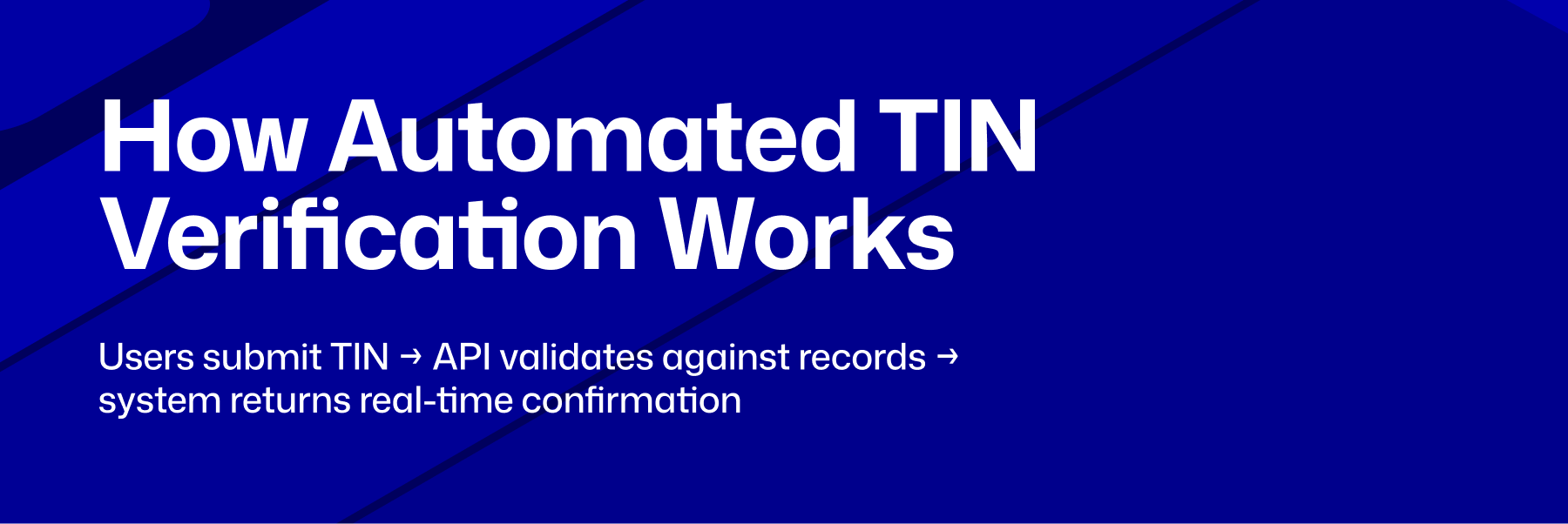
The flow is simpler than most teams expect. There are four steps, and your team is only involved if something needs review.
1. User submits TIN during onboarding — The user enters their TIN as part of your onboarding form, alongside other business details. Verification begins immediately, with no separate step required.
2. System sends request to verification API — Your system automatically sends the TIN to a verification API in the background, without interrupting the onboarding flow.
3. API validates against official data sources — The API checks the TIN against authoritative databases, in Nigeria’s case, FIRS records, and returns structured data including the registered business name, CAC number, tax office, and contact details.
4. System acts on the response — If the TIN is valid and the details match, the user proceeds. If there’s a mismatch, your system surfaces a correction prompt rather than silently failing or dropping the user into a manual queue. No back-and-forth, no delays.
What automation actually changes for your team
Speed and scalability are the obvious wins, and they’re real. But the less obvious benefit is what it does to your ops workload.
Manual verification requires someone to check each TIN, resolve mismatches, maintain a compliance log, and follow up with users who get stuck. At 50 verifications a week, that’s manageable. At 500, it’s a part-time job. At 5,000, it’s a team.
Automation eliminates that entire layer. Your compliance team gets a structured audit trail per verification without building one manually. Your ops team stops handling queues. Your users stop waiting. The only time a human needs to get involved is when a verification surfaces a genuine issue worth reviewing, which is exactly when you want human judgment in the loop.
How Dojah automates TIN verification at scale
Most of the work in automating TIN verification isn’t the API call itself; it’s building a layer that handles edge cases cleanly. Mismatched legal names, variations between “Ltd” and “Limited”, stale FIRS records, partial data submissions. Without that handling, you end up with a verification system that fails in ways that are harder to debug than manual checks.
Dojah provides KYB infrastructure that embeds TIN verification directly into your onboarding flow, with real-time validation against FIRS records. When a check runs, the API returns structured data including:
• Taxpayer name — the registered legal name of the entity
• CAC registration number — for cross-referencing the CAC registry
• Tax office — the assigned FIRS tax collection centre
• Contact details — phone number and email associated with the business
• TIN format check — structure and consistency validation of the submitted TIN
Beyond TIN, Dojah’s KYB stack covers CAC status verification, UBO identification, and AML screening, so you’re not stitching together multiple providers to run a complete business verification check. EasyOnboard handles individual and business verification in a unified flow, and Profiled Risk gives you ongoing visibility into business activity after onboarding completes.
See the full setup instructions are in Dojah’s API docs.
If your verification queue is slowing onboarding or increasing operational cost, it’s time to move to automated TIN verification.
See how Dojah handles this end-to-end, from a single API call to a full KYB stack. Book a demo →
Frequently asked questions
What does it mean to automate TIN verification?
It means replacing manual portal checks with an API call that validates a TIN against FIRS records in real time, within your existing onboarding flow. The user submits their details, the check runs in the background, and your system acts on the result — all without any manual intervention.
When does it make sense to switch from manual to automated verification?
The crossover point is usually around 200–300 verifications a month, when the queue starts requiring dedicated ops time. If your team is spending more than a few hours a week on TIN checks, or if users are experiencing delays at the verification step, automation will pay for itself quickly.
What happens when a TIN doesn’t match the business name?
A well-built verification API returns the registered name alongside the match result, so your system can surface a specific correction prompt rather than simply rejecting the user. Common causes include name variations (“Ltd” vs “Limited”), business name changes since registration, or a TIN submitted for the wrong entity.
Can automated TIN verification be integrated into existing onboarding systems?
Yes — it’s designed to sit inside your existing onboarding flow as a background step. The user doesn’t experience it as a separate verification stage; it runs as part of data collection and your system acts on the result before they reach the next screen.
Does automated TIN verification satisfy CBN compliance requirements?
TIN verification on its own is one component of KYB due diligence. A complete compliance workflow under CBN guidelines also requires CAC registration verification, UBO identification, and AML screening. Dojah covers all of these within a single integration.
Can automated TIN verification support both KYC and KYB checks?
Yes — TIN verification is a KYB step, but it can run alongside individual KYC checks within the same onboarding flow. Dojah’s EasyOnboard handles both in a unified verification journey so you’re not running separate flows for individual and business verification.
Start using Dojah for all your business needs


